Usage
Documentation for Usage in the Image Overflow, covering setup, configuration, workflows, and troubleshooting for Unity projects.
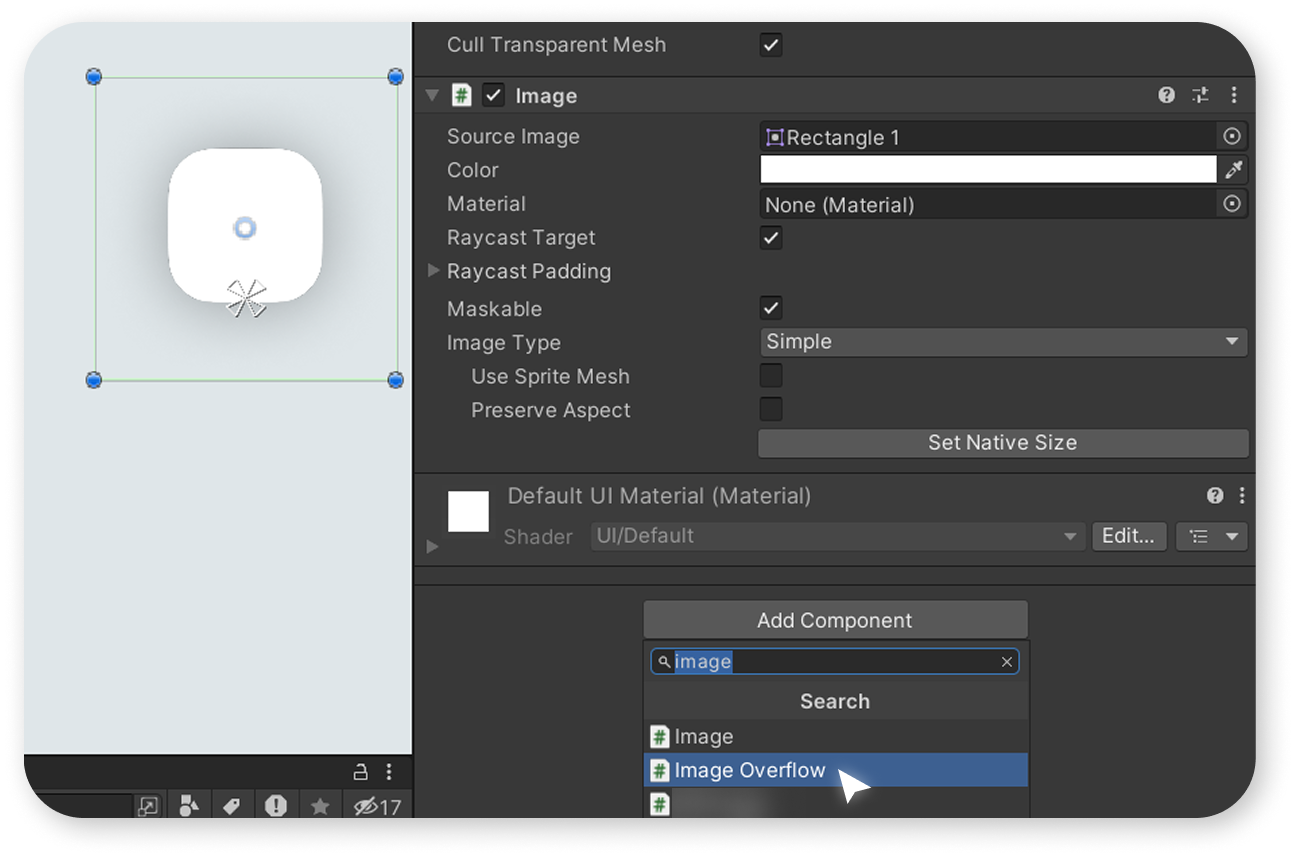
Add the "ImageOverflow" component alongside your Image component.
Please note that if you haven't assigned a sprite to the Image component, the "ImageOverflow" script will not work.
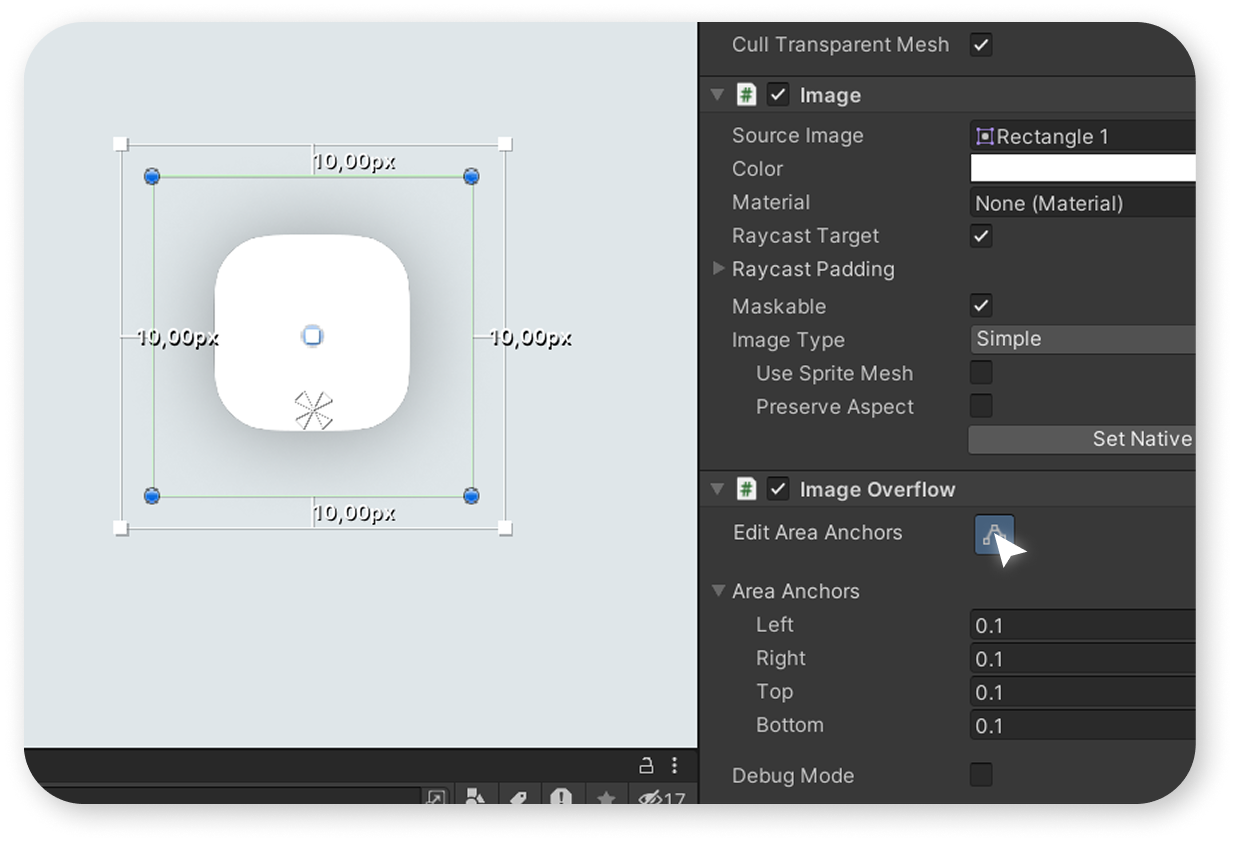
To adjust the anchors, click the button that enables the anchor editing mode.
To disable the anchor editing mode, you can click this button again.
- 1-4 - gizmo squares you can use to adjust the margins.
- 5 - the red outline shows what the object will look like if you adjust the margins while maintaining the sprite's proportions. To adjust the margins this way, move the gizmo squares while holding down the Shift key.
- 6 - the center square allows you to drag the object while maintaining its current size. Before moving the center square, adjust the margins on the other sides so that the square does not overlap with the round gizmo of the RectTransform; otherwise, it will be difficult to grab.
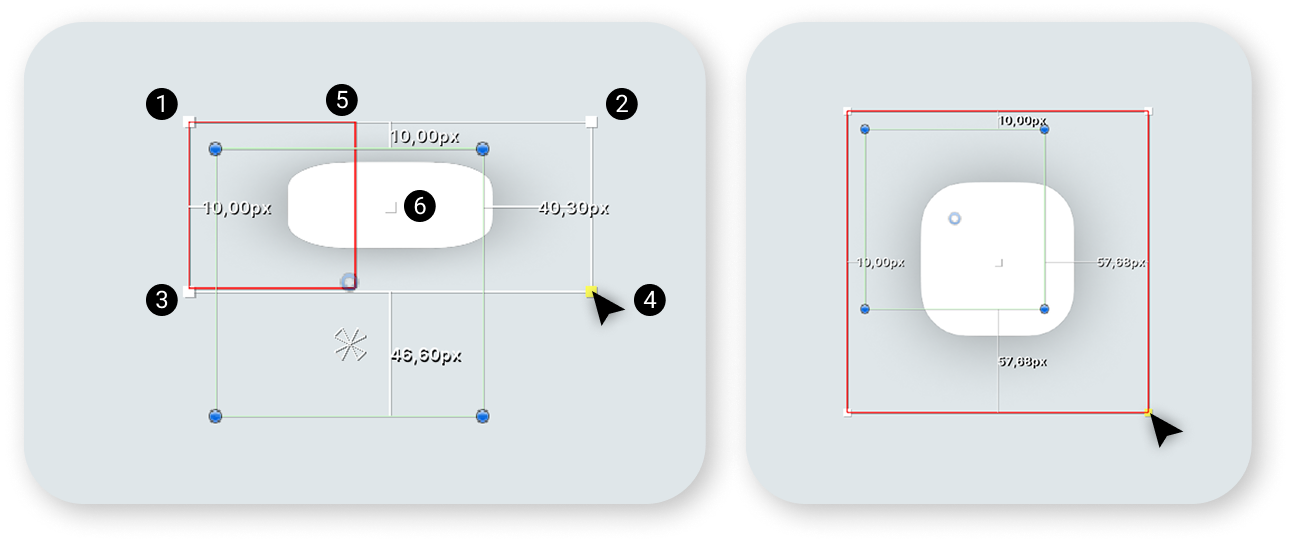
Example of adjusted margins. As we can see, the shadow, which is also part of the sprite, extends beyond the RectTransform boundaries.
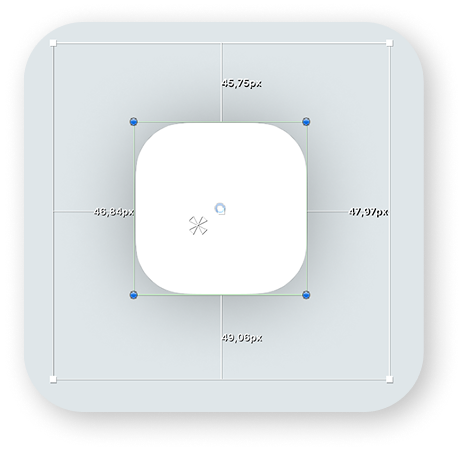
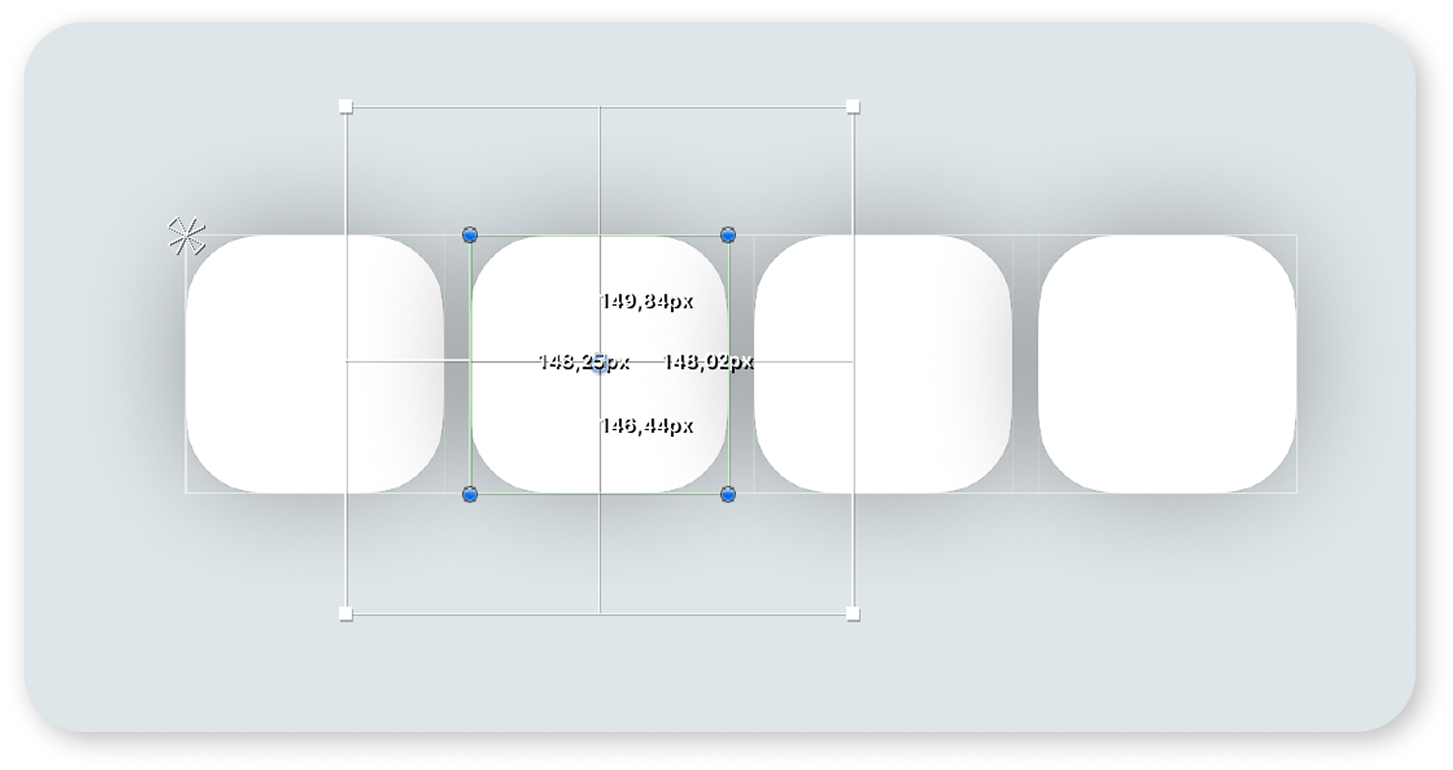
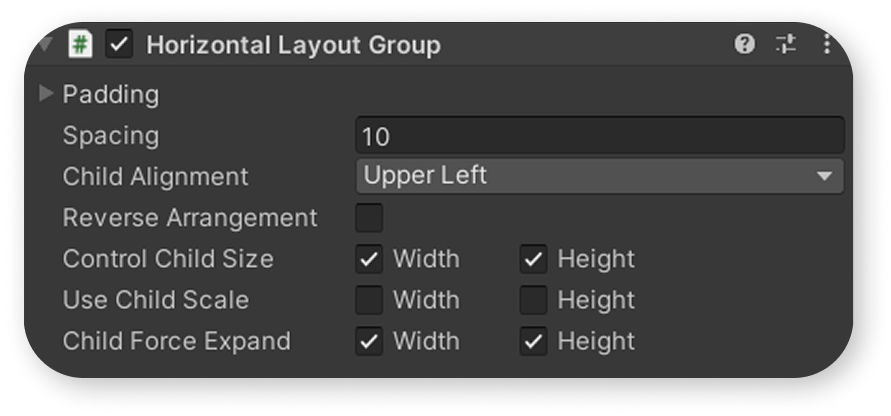
Example of using 'ImageOverflow' for Image components inside a HorizontalLayoutGroup.
As we can see, the shadow extends beyond the RectTransform and does not affect the spacing between GameObjects inside the HorizontalLayoutGroup.