Scene backups and project cache
Documentation for Scene backups and project cache in the FCU developer guide, covering setup, configuration, workflows, and troubleshooting for Unity projects.
The folder with backups of your active scene is located here: Library\Backup\Scene
Backups are automatically creates before each import and before creating prefabs.
A backup is created for a previously saved local scene file. If you see a asterisk (\*) next to the project name in the Unity interface, it indicates that changes you made to the scene without saving it will not be included in the backup.
If you have never saved your current scene (the file of your scene is not present on the disk), the scene will be automatically saved before importing at the path "Assets/Scenes/time_scene_name.unity".
With each project download, the transform and properties of objects from your Figma project are cached.
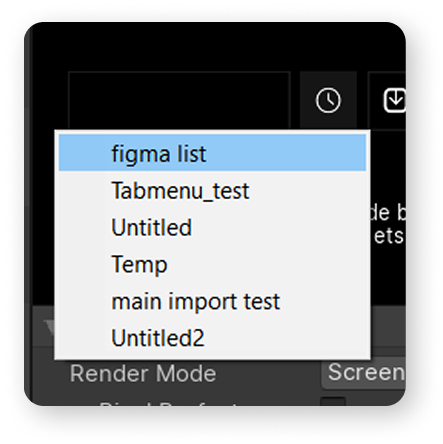
To avoid downloading it again, you can choose the cached version from the dropdown menu.