Binding Settings
Documentation for Binding Settings in the D.A. Localizator, covering setup, configuration, workflows, and troubleshooting for Unity projects.
Here you can configure the tool for working with bindings, specifically which functionality will be available in the Inspector.
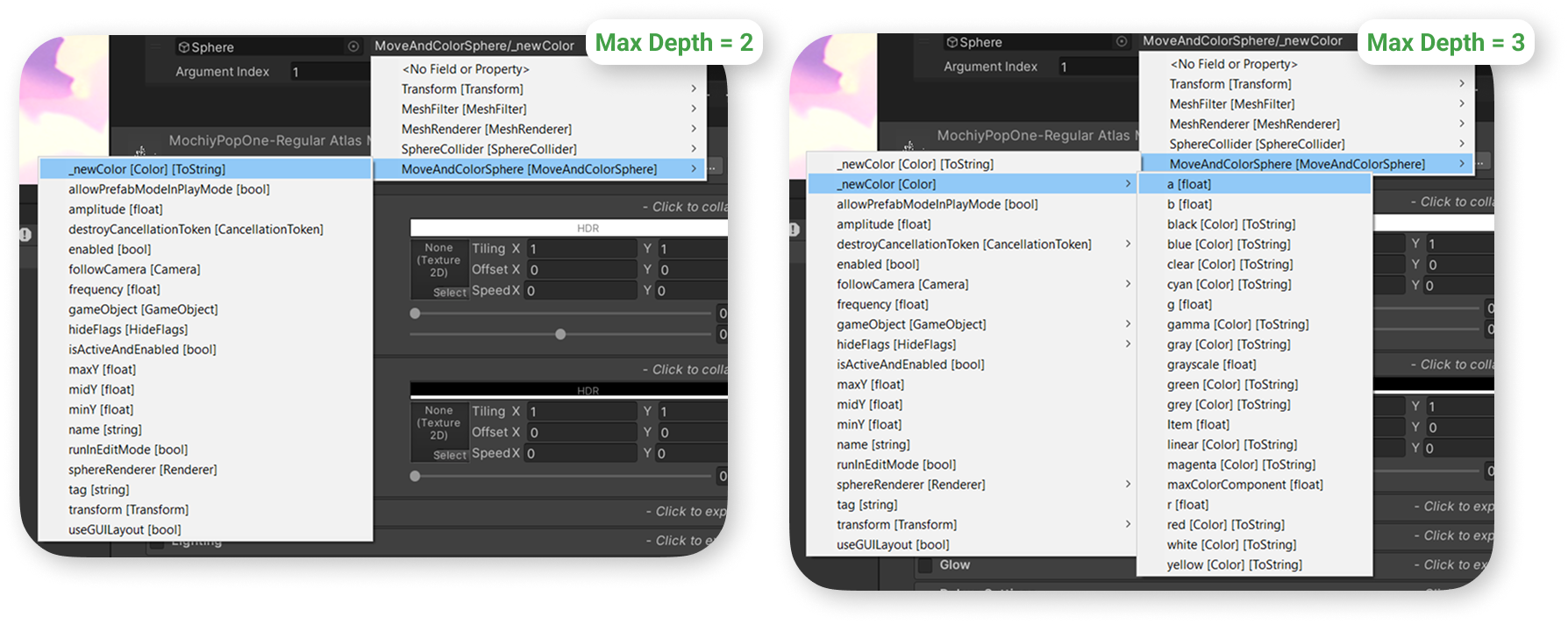
Maximum Depth
how deep the Binder will search for fields inside your class. With a value of 2, it will only take the first-level fields of your MonoBehaviour, as shown in the example below. With a value of 3, the result will be as follows: screenshot.
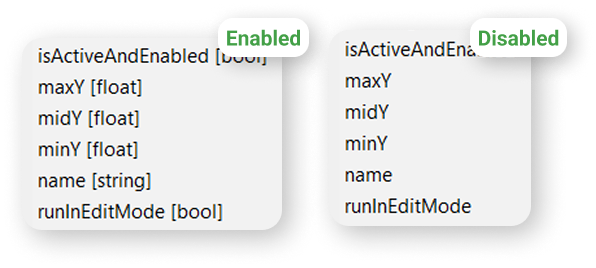
Show Primitive Type
whether the Binder will display the type for primitive fields.
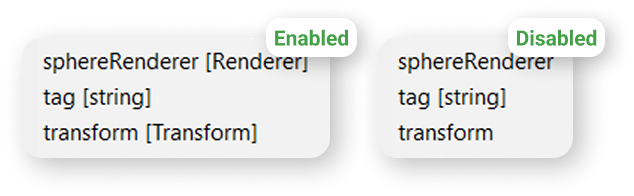
Show Object Type
Whether the Binder will display the type for object fields.
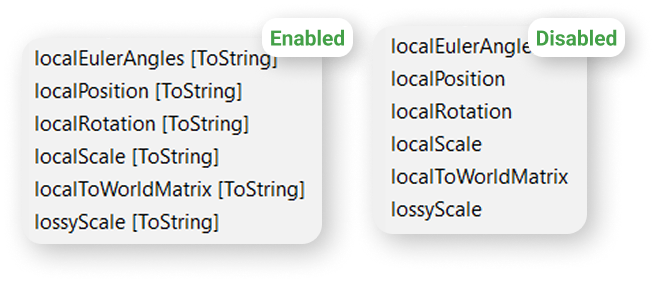
Show \[ToString]
Whether the Binder will show the \[ToString] label for field types for which Unity provides convenient automatic formatting.
The list of such types can be found here: link.
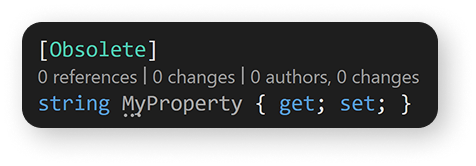
Show Obsolete
Whether the Binder will show fields with the \[Obsolete] attribute.
It is not recommended to bind to such fields, as they may be removed in future Unity versions, causing the binding to stop updating for these fields.