Auth with token
Documentation for Auth with token in the FCU developer guide, covering setup, configuration, workflows, and troubleshooting for Unity projects.
If for some reason you are unable to obtain the token using the asset, you can get it in your Figma account settings.
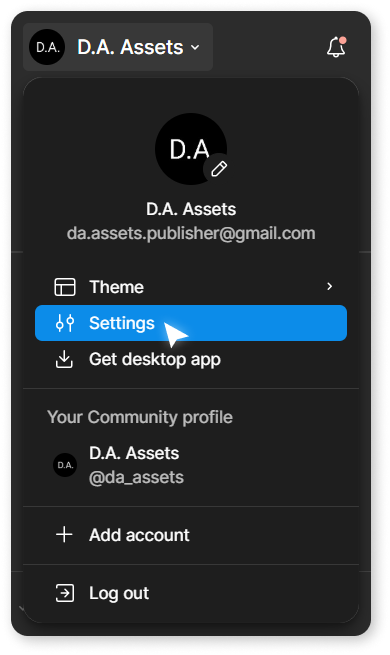
To do this, go to Settings:
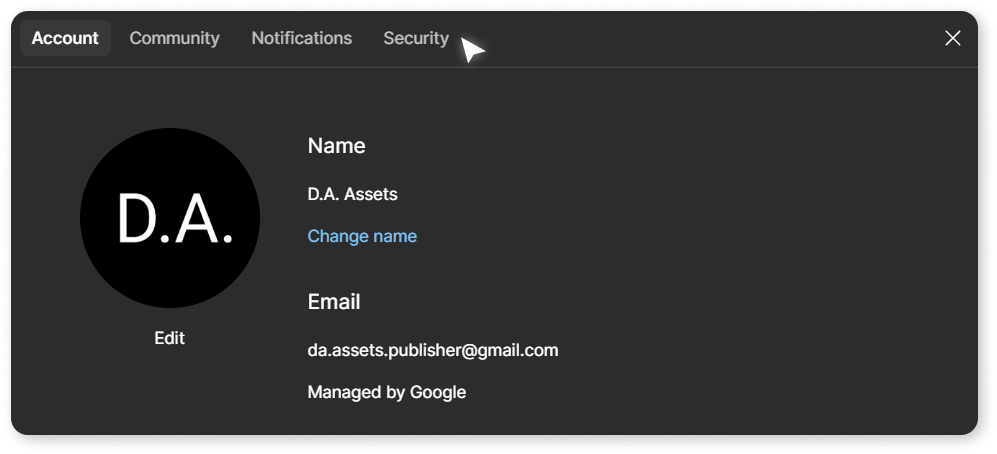
Open the Security tab.
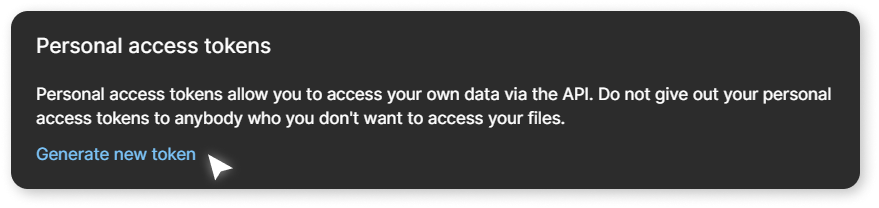
In the Personal access tokens section, click Generate new token.
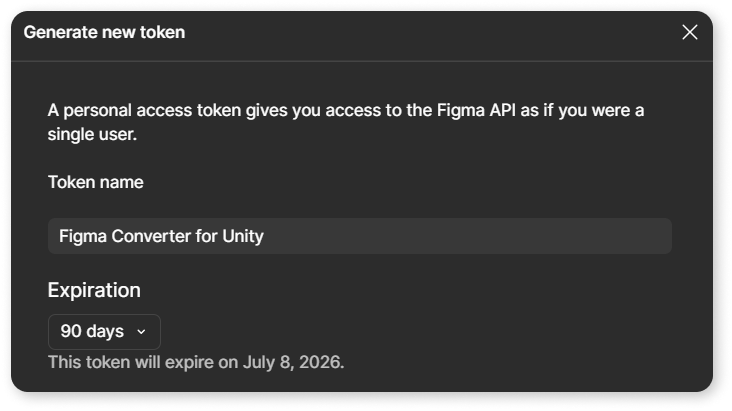
Set a name and expiration date for it.
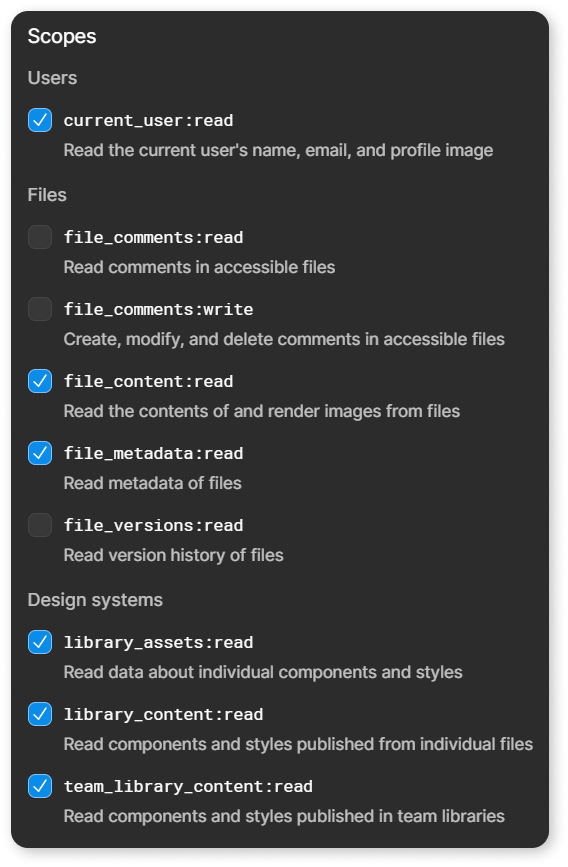
In the Scopes section, enable the following scopes:
- current_user:read
- file_content:read
- file_metadata:read
- library_assets:read
- library_content:read
- team_library_content:read
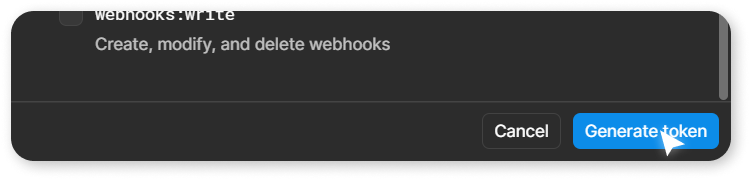
Click Generate token at the bottom of the window.
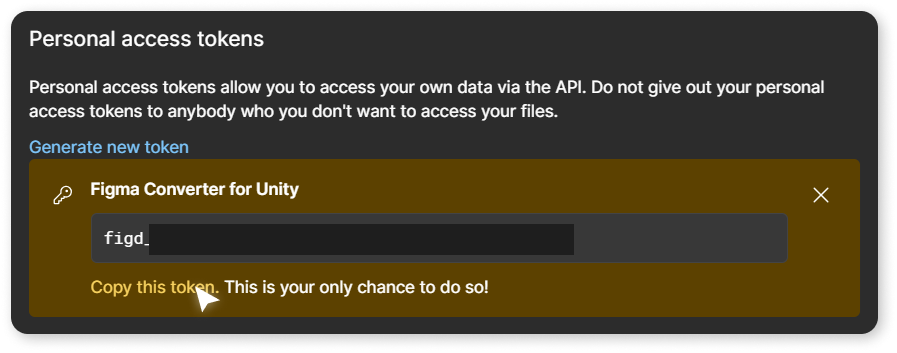
After the token creation window closes, you will see your generated token in the settings window.
Then, copy the obtained value and paste it into the Access Token field, then click on the Sign In With Access Token button.
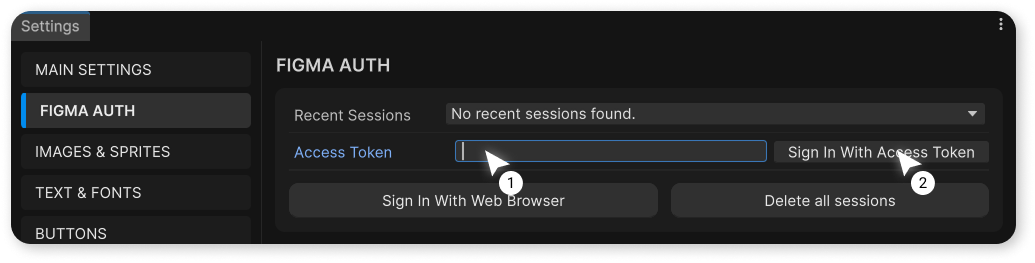
After this, authentication will occur based on the entered token, and you will see a message in the console.