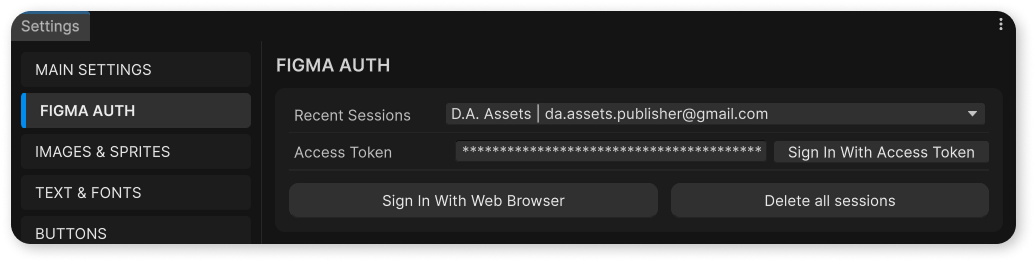
Auth with web browser
Documentation for Auth with web browser in the FCU developer guide, covering setup, configuration, workflows, and troubleshooting for Unity projects.
1
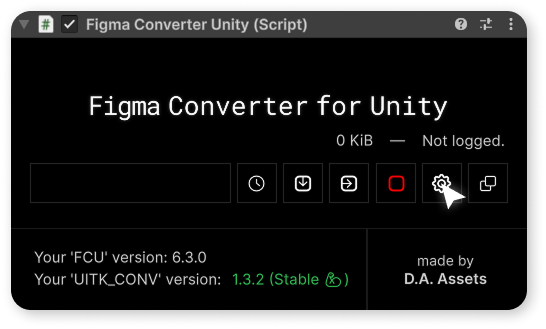
Now, you need to log in to your Figma account inside the asset.
To do this, open the asset's settings.
2
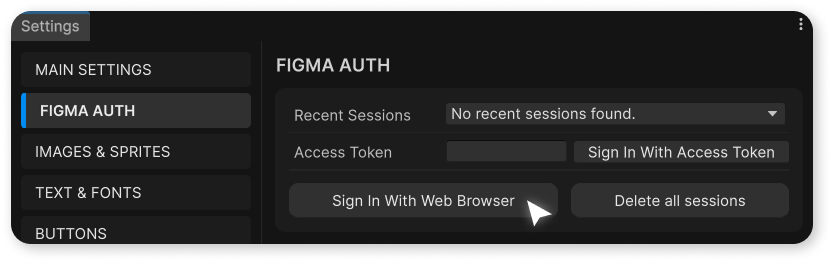
Then open "FIGMA AUTH" tab and press "Sign In With Web Browser" button.
3
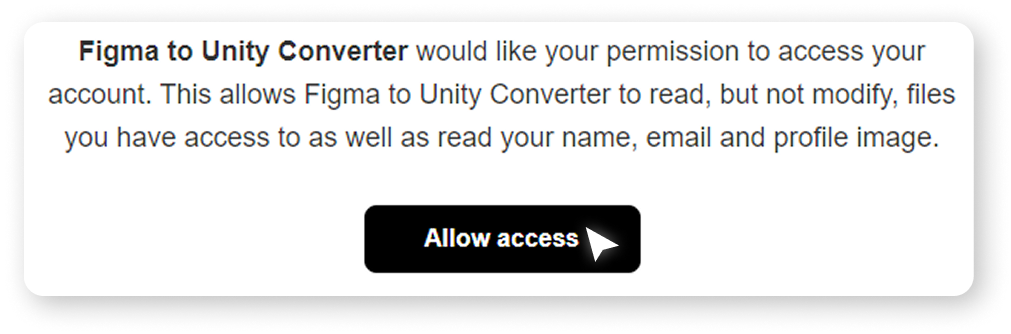
In the browser that opens, click on the "Allow access" button.
4
After that, under the logo you will see the name of your authorized account - this means that the authorization was successful, and now you can proceed with the import.