Text
Documentation for Text in the FCU designer guide, covering setup, configuration, workflows, and troubleshooting for Unity projects.
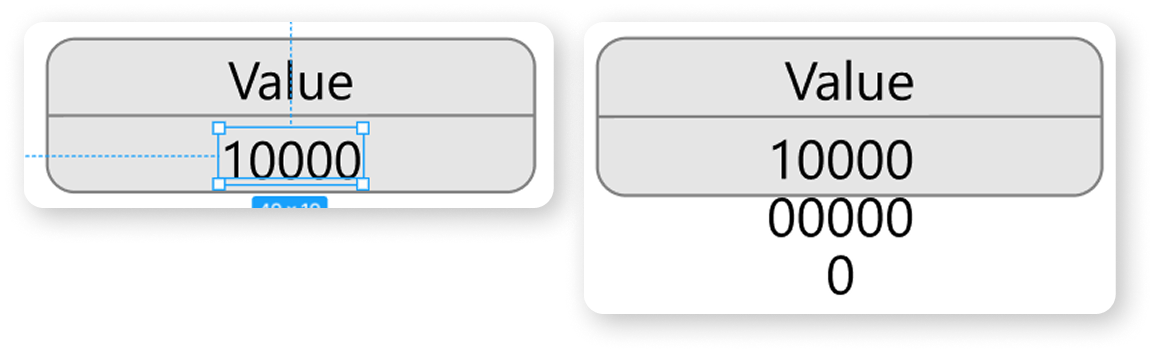
Example of how not to do it. If in the future, inside Unity, using an algorithm or manually, we want to set this text component to the value "1000000000", it will not fit and will get out of bounds.
Example of the correct size for a text component.
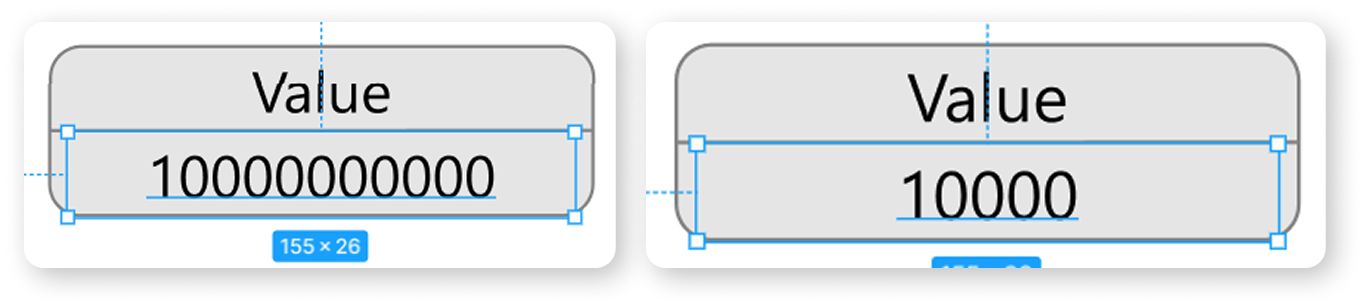
The rendering principles for fonts in Figma and Unity differ, so you may need to make adjustments to your font file in Unity (for example, margins from the edges) if you're using TextMeshPro to achieve an identical look.
If you're using UI.Text, adjustments cannot be made, so it is recommended to use TextMeshPro.
If you don’t want to make any changes to the Figma layout or the font file, you can enable the "Auto-Size" option in the "TEXT & FONTS" tab in the asset settings. This option is enabled by default.
In this case, if the text doesn’t fit, its size will be automatically reduced.
The maximum size will be the size you set in Figma.