Installation via DLL file
Documentation for Installation via DLL file in the FCU developer guide, covering setup, configuration, workflows, and troubleshooting for Unity projects.
1
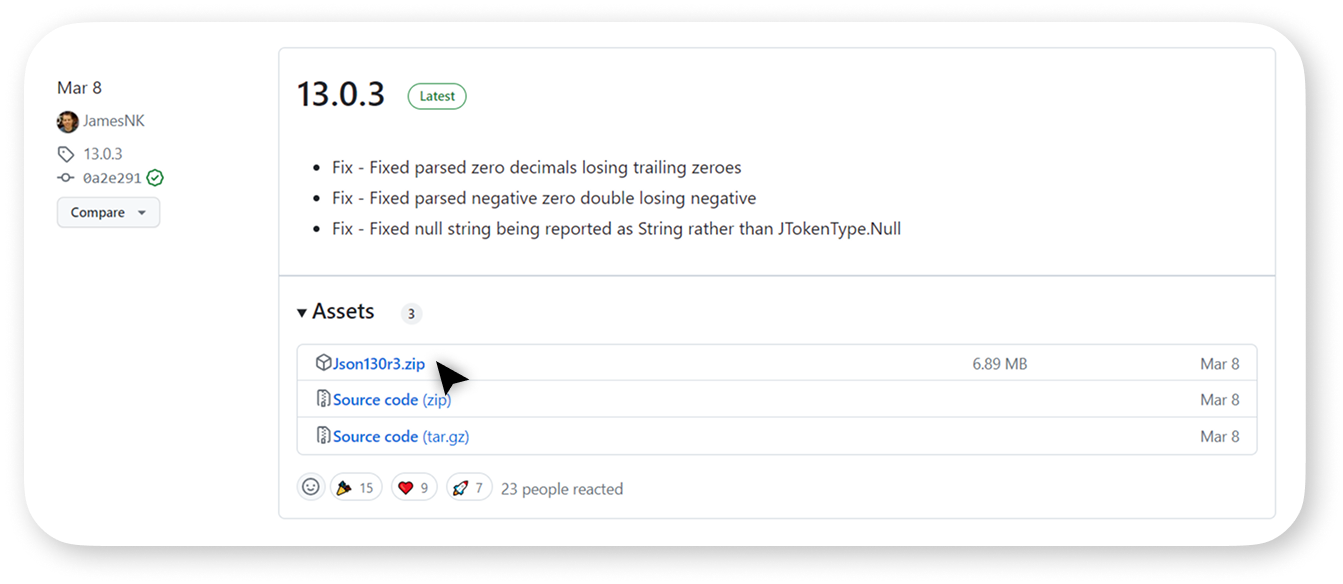
If the installation of Json.NET through the Package Manager was unsuccessful, download the latest release of Json.NET from the official repository:
Do not use Json.NET versions released before 2020.
2
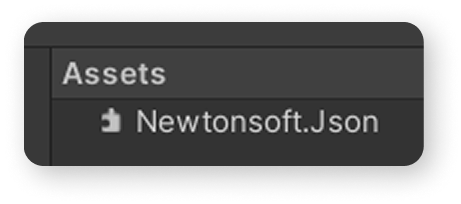
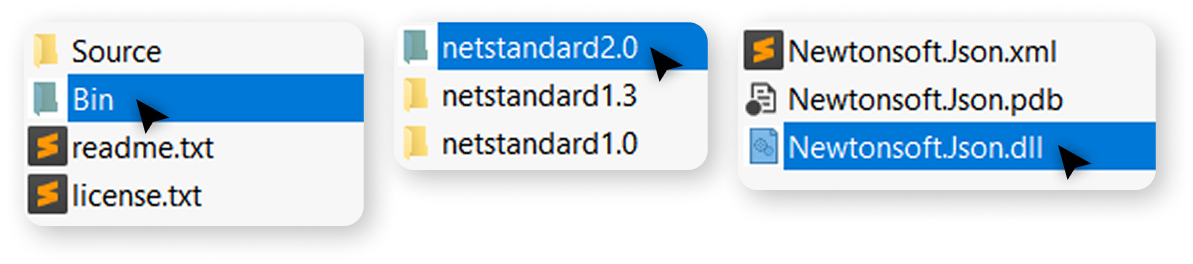
Unzip the archive, open the Bin folder, then netstandard2.0, and drag the Newtonsoft.Json.dll
into the Assets folder in your project.
3
After installing Json.NET, you can import the Figma Converter for Unity using the Package Manager.