Import Events
Documentation for Import Events in the FCU developer guide, covering setup, configuration, workflows, and troubleshooting for Unity projects.
Import Events can be used to customize the import process. For example, if you want to add your own components to GameObjects according to specific algorithms during import.
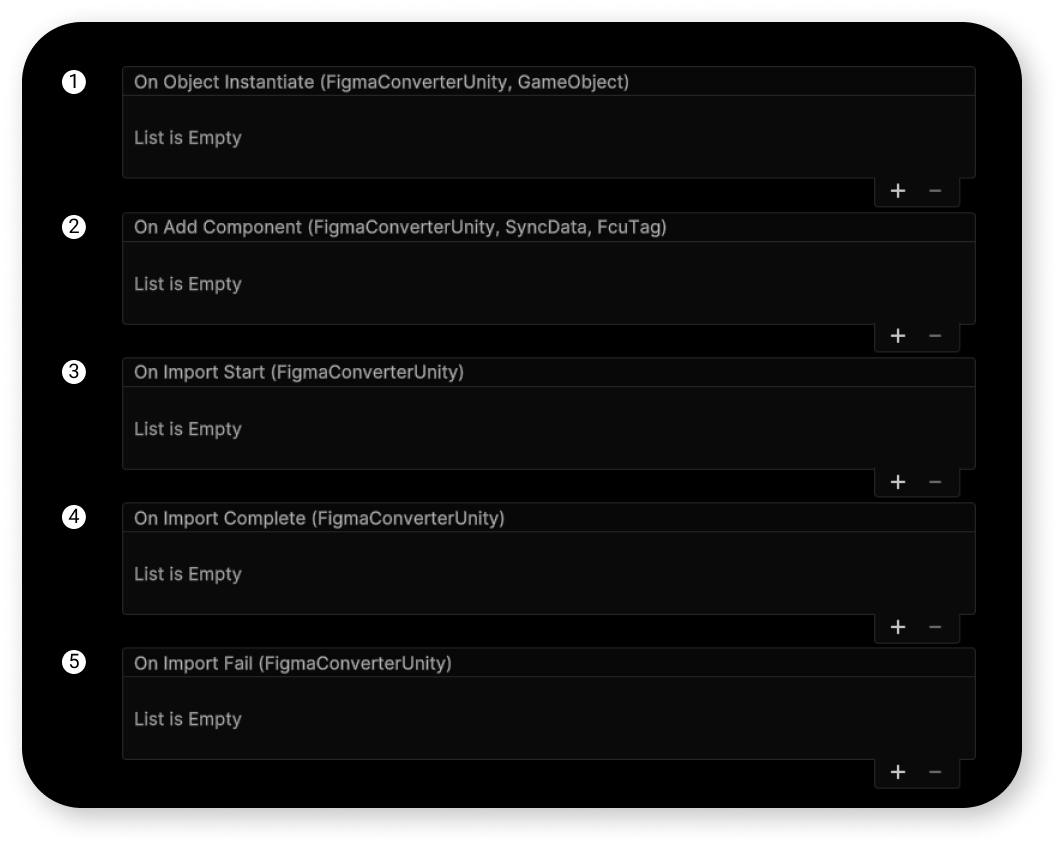
On Object Instantiate
Called when creating a GameObject in the scene.
How can you use this event? For example, you can parse the GameObject's name, which is returned in this event, and based on that, perform certain actions—such as adding your own custom script to this GameObject.
On Add Component
Called when adding a specific component to a GameObject during import.
In this case, FcuTag is a special tag that the Converter assigns to each imported object.
As you know from the Tags section of the Manual for Designers, tags can be manually set in the names of your objects in the Figma layout.
So, if FcuTag has a value like "FcuTag.Text," it means that the current component triggering this event is a text component.
On Import Start
Called before the start of import.
On Import Complete
Called after the import is complete.
On Import Fail
Called if the import is stopped.