Info
Documentation for Info in the Dependency Manager, covering setup, configuration, workflows, and troubleshooting for Unity projects.
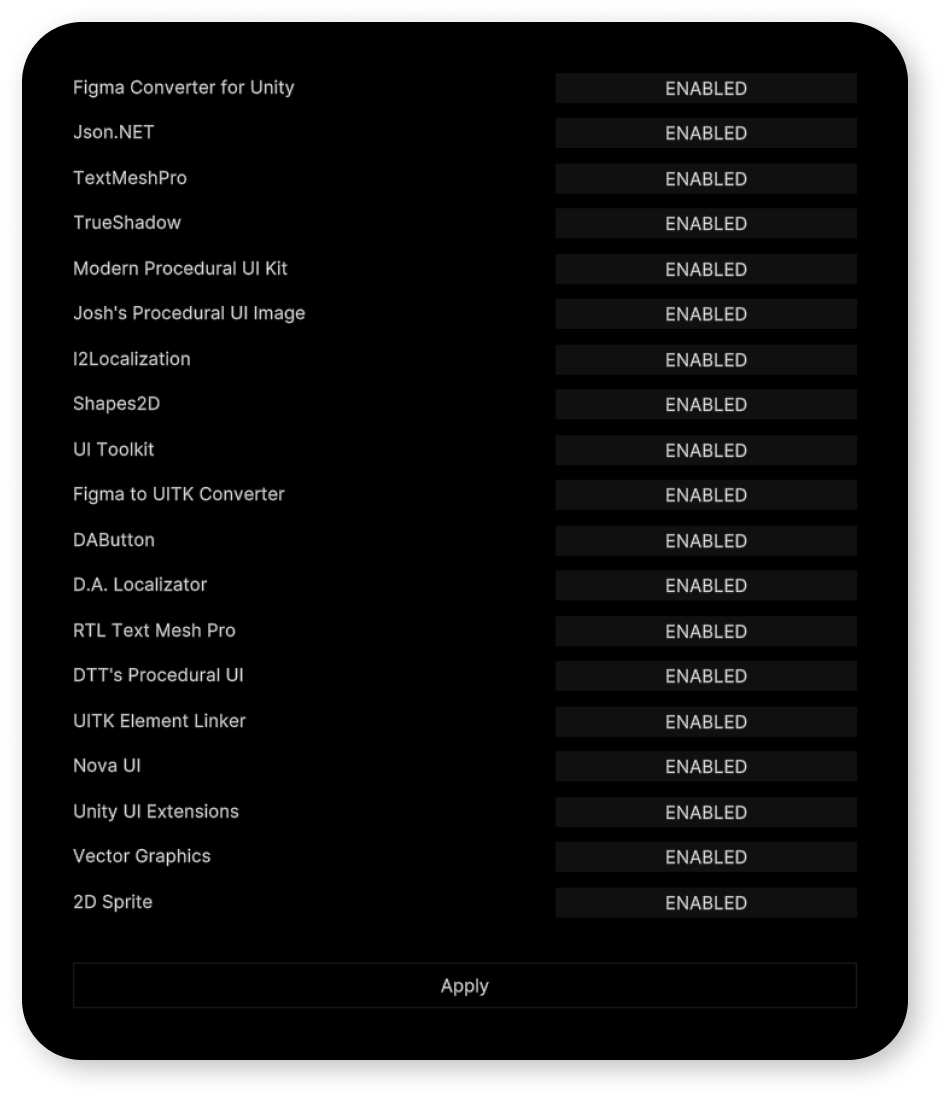
1
By using additional assets, you can:
- avoid blurring fonts with "TextMeshPro";
- reduce application weight with one of the procedural image assets;
- ease the localization process with "I2Localization".
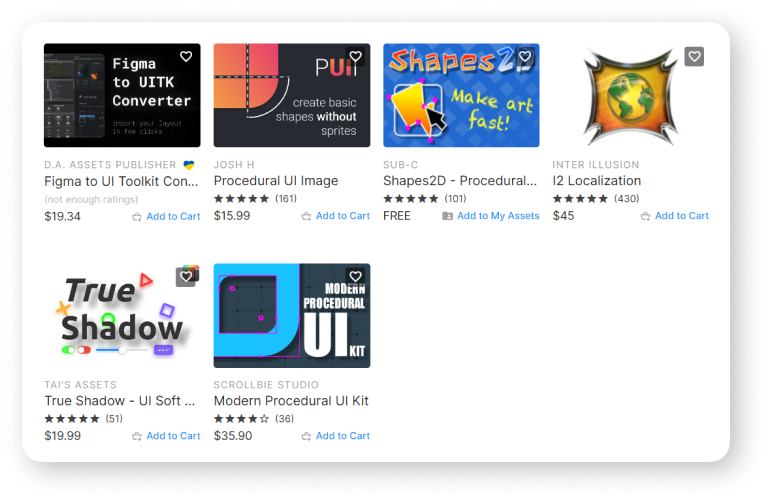
2
Before these assets can be activated, it’s must be imported into the project.
3
Assets are automatically activated after being imported into the project, but if this didn't happen, use the manual switching according to the following scheme:
switch to "ENABLED" if asset is imported.
switch to "DISABLED" if the asset is not imported.
4
After removing an additional asset from the project, disable it manually.