Shadows
Documentation for Shadows in the FCU developer guide, covering setup, configuration, workflows, and troubleshooting for Unity projects.
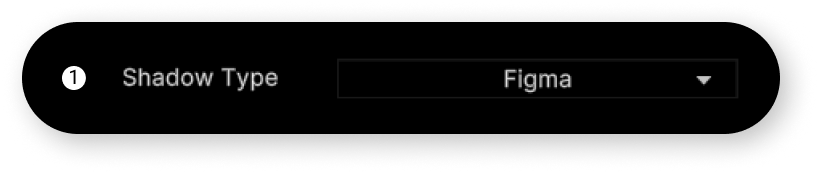
The asset supports two methods of importing shadow components:
- FIGMA: The shadow is part of the downloaded sprite.
- TRUESHADOW: The shadow is procedurally rendered using the asset.
If you want the component's shadow not to be part of your sprite but rendered procedurally, you can use the TrueShadow asset.
When importing asset, follow the instructions in the "Dependency Manager Manual".
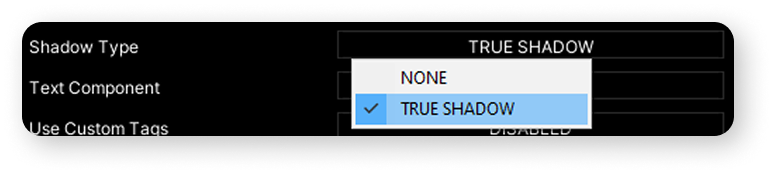
In the "SHADOWS" tab switch parameter "Shadow Type" to "True Shadow".
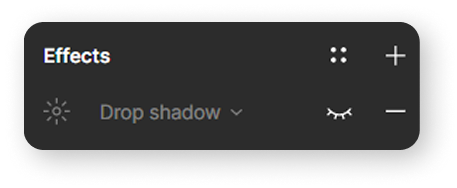
Before importing your layout using the "True Shadow" mode, you need to make all the shadows in your Figma project invisible.
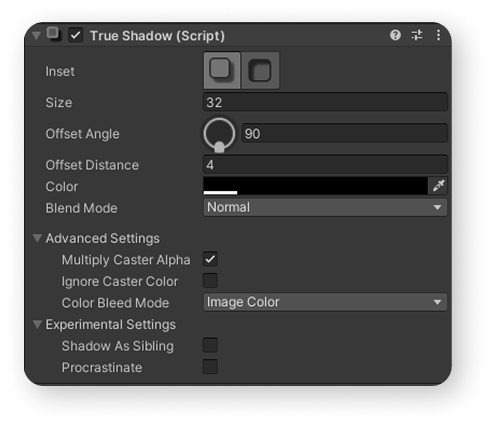
After import, all your components that have a shadow in the Figma layout will have a shadow script from "TrueShadow" asset.
To use this functionality properly, read the section of this asset in the "Manual for designers".