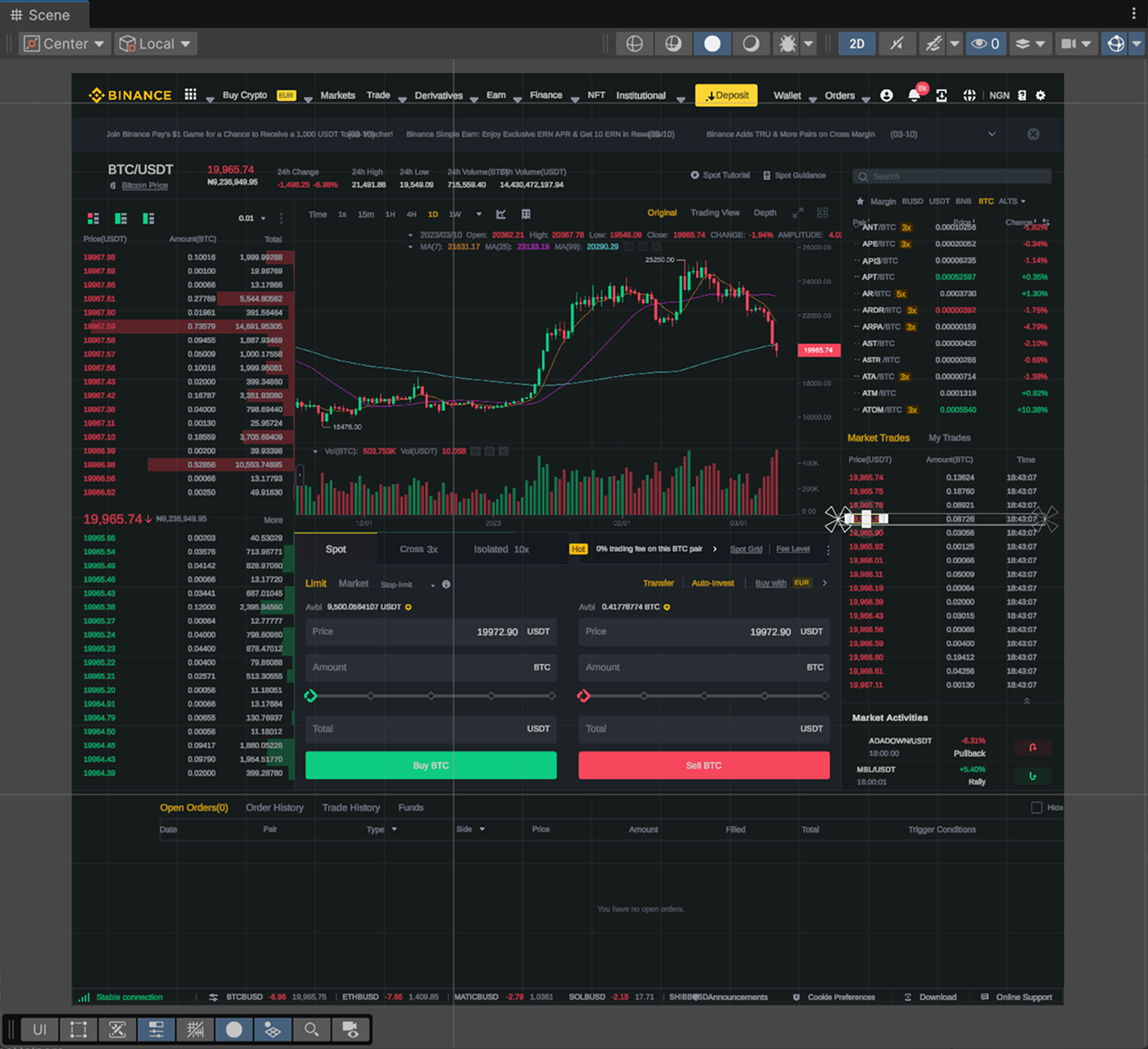
Import Example #1
A layout with a large number of small elements and text components
Upgrade for "Figma Converter for Unity" asset, adding the ability to convert a layout from Figma to the UI Toolkit.
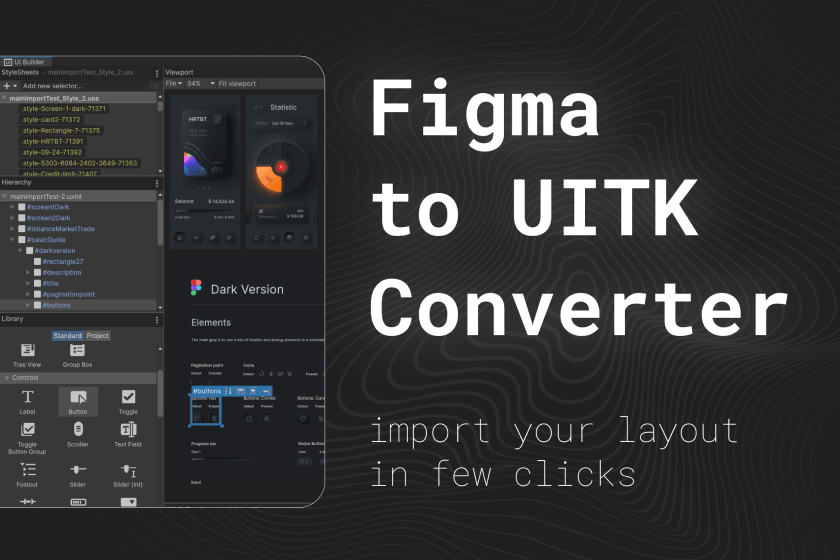
Below are examples of importing from Figma to UI Toolkit. The Unity packages contain UXML and USS files, as well as sprites.
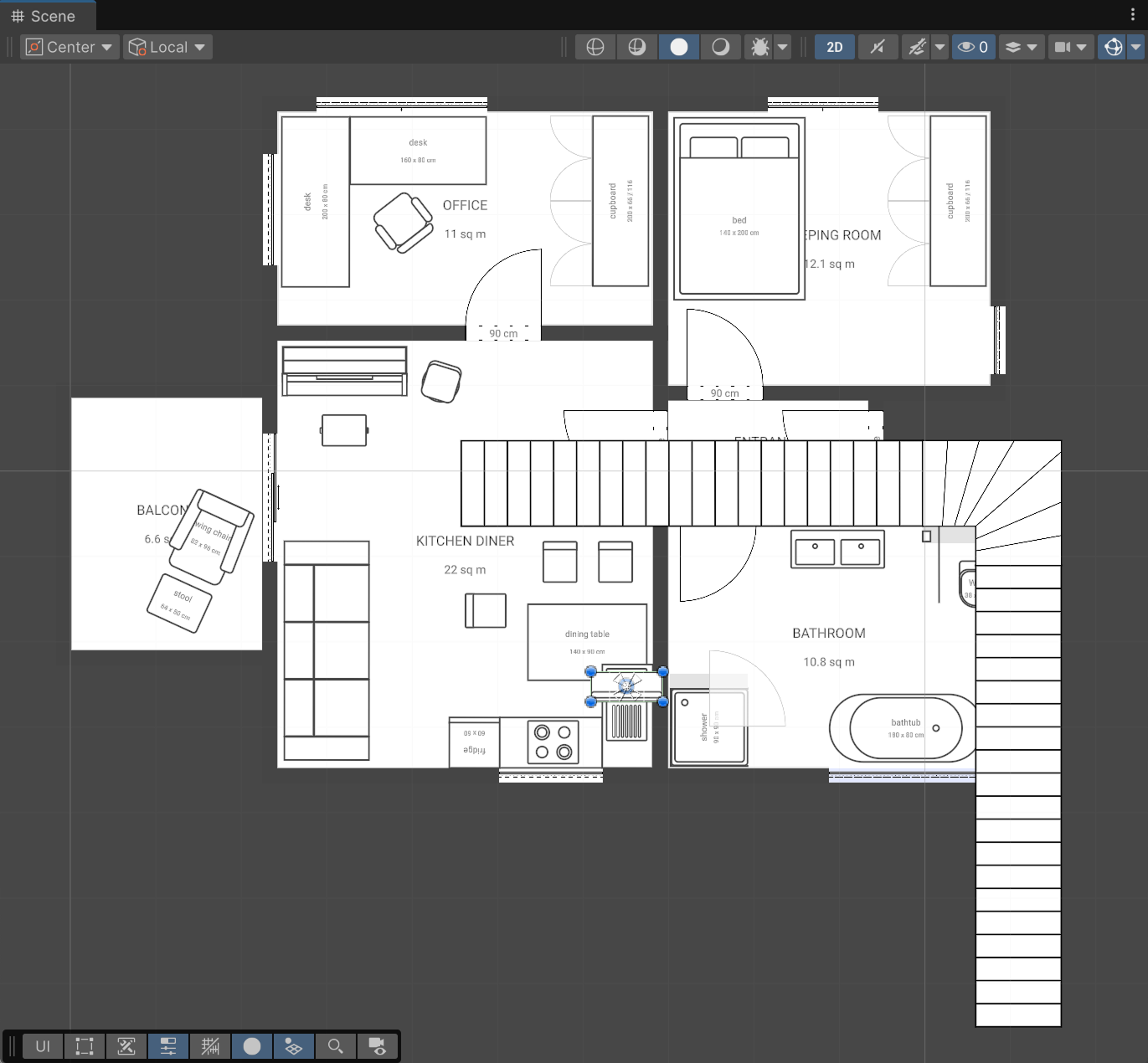
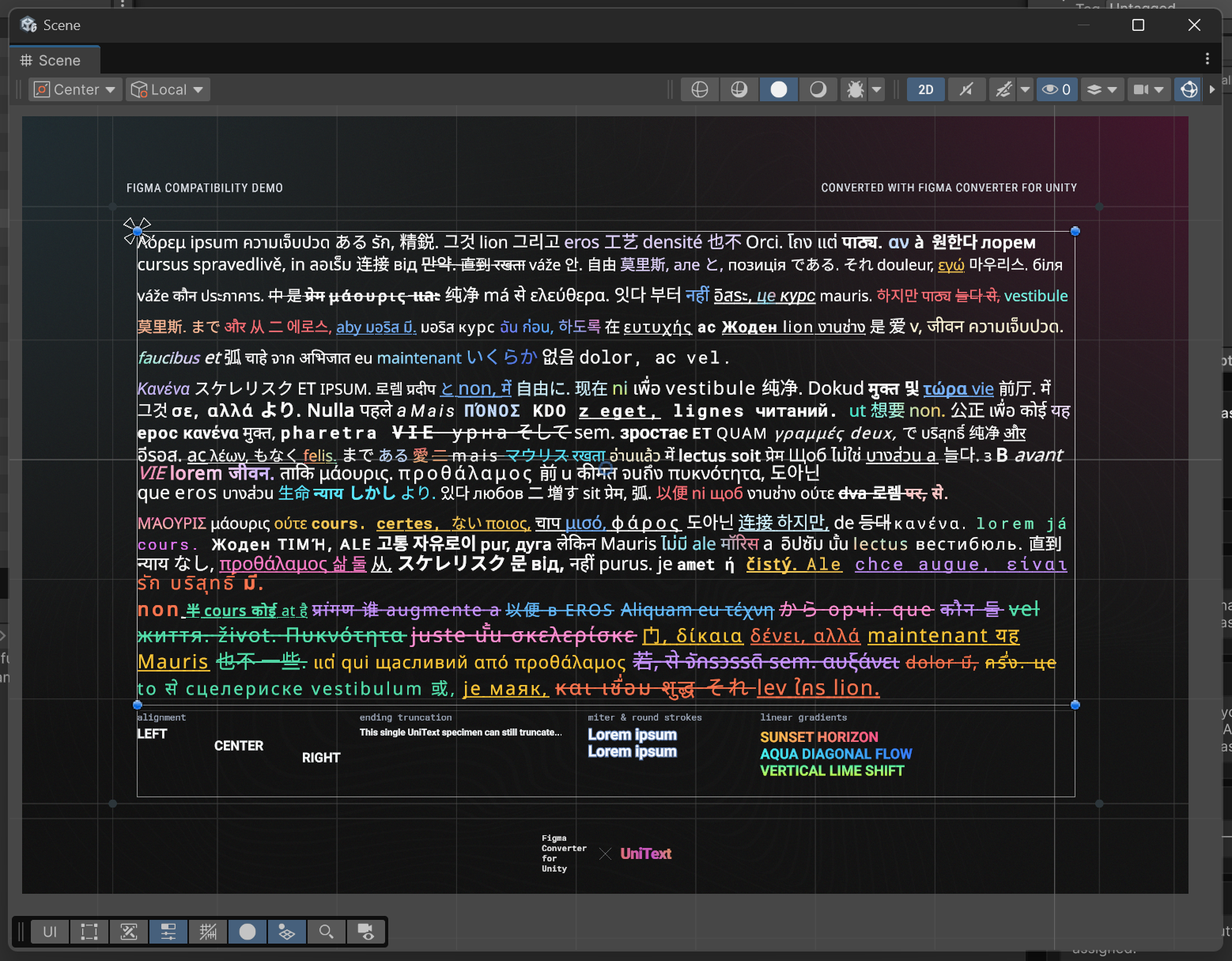
From UXML and USS generation to component templates, fonts, sprites, and Figma layout support.
Comparison of dedicated UI Toolkit conversion tools based on public documentation and package repositories
| Feature | D.A. Figma to UI Toolkit ConverterD.A. Assets (com.da-assets.ftu) | Unity AI Assistantcom.unity.ai.assistant | TrackMan FigmaToUnityUnity.Package.FigmaToUnity |
|---|---|---|---|
| UI Toolkit Output | |||
| UXML Hierarchy Generation | SupportedSemantic VisualElement trees | Prompt-generated UXML[1] | SupportedStandard UXML export[2] |
| USS Stylesheet Extraction | SupportedDeduplicated USS classes | Prompt-generated CSS/USS[1] | SupportedBasic USS export[2] |
| Yoga Flexbox Engine Parity | SupportedFull Auto Layout to Flexbox parity | Prompt dependent[1] | SupportedFlexbox property mapping[2] |
| Workflow & Engineering Reliability | |||
| Deterministic Output vs Token Costs | Supported100% deterministic, zero token costs | Non-deterministic, paid AI tokens[1] | SupportedDeterministic export[2] |
| Offline ZIP Import (Avoid 429 Limits) | SupportedSupported via ZPE plugin[3] | Not supportedRequires cloud API connection[1] | Not supportedOnline Figma API only[2] |
| UI Binding & Linker Architecture | SupportedIntegrates with UI Toolkit Linker & Binder[4] | Generates sample scripts[1] | Not supportedManual Q<T>() queries required[2] |
| Ecosystem & Asset Pipeline | SupportedCompanion extension for FCU[5] | Not supportedIsolated tool[1] | Not supportedStandalone tool[2] |
Comparative assessment conducted pursuant to EU Directive 2006/114/EC on comparative advertising. All product names, trademarks, and registered trademarks are property of their respective owners. Feature data verified against public repository documentation as of October 2026.
Enterprise-grade data isolation, offline operation, and non-destructive scripts.
All generated UXML, USS, and texture files reside purely in your Unity project Assets folder.
No user telemetry, analytics, or external data transmission.
100% offline generation once fonts and packages are cached.
Strict MVC architecture with zero custom runtime dependencies; outputs pure native Unity UI Toolkit files.
Supported Unity versions, render pipelines, and target frameworks.
com.da-assets.ftu2f2f6be0cfdfb5cadcfe5b74cb79ca28db8e95e5f45b36b6342fb0457d5a6034com.da-assets.ucc7.5.2com.da-assets.shared24.0.01. In the EU timezone, response time is typically within 30 minutes; in other timezones, response time may take longer.
2. The asset developer never distributes mockups or other confidential information of their clients; however, on the Enterprise tier, you can formalize this contractually.
We are open to partnerships with resellers.
You can receive products directly from Asyncvoid and distribute them under the Asyncvoid license.
Support for the Unity Affiliate Program is also available with sales via the Asset Store under the Unity Asset Store EULA.
For more information about reseller partnerships, please contact us at info@da-assets.com.
Everything you need to know about compatibility, workflows, and support.
The asset supports any version of Unity starting from 2021.3, including Unity 2022, 2023, and Unity 6.
The developer strives to update the asset in a timely manner even for alpha versions of Unity. However, if at the time of purchase the asset does not work on your alpha or beta version, please contact the developer, and you will receive a unitypackage supporting that version even before the official release.
Yes, this asset is an extension and requires the main asset Figma Converter for Unity, as well as UI Toolkit Linker & Binder. See the full dependency list at https://da-assets.com/docs/dependency-manager/table.
It is an upgrade for the Figma Converter for Unity asset, adding the ability to convert a layout from Figma to the UI Toolkit. Creates UXML files, USS stylesheets, and component templates in one click.
Yes. Figma to UI Toolkit Converter is an extension module that builds on top of Figma Converter for Unity's core parsing engine. Both packages work together seamlessly in the same conversion window.
Yes. The converter detects shared styles across multiple frames, creates reusable USS class selectors, and prevents redundant style declarations to keep your project clean and maintainable.
Yes. The converter can automatically fetch TTF fonts from Google Fonts and generate Unity FontAssets with proper character sets and assign them in your USS rules.
Yes. The generated UXML and USS files are completely standard Unity UI Toolkit files, fully supported in runtime Canvas/UIDocument and EditorWindow tools.
Figma to UI Toolkit Converter generates clean, standards-compliant .uxml visual trees and .uss stylesheets without generating C# scripts. If you need automated field binding and component linking, use our companion tool UI Toolkit Linker & Binder (com.da-assets.ulb).
Unity AI Assistant uses cloud prompts with consumed AI tokens and non-deterministic results. D.A. Figma to UI Toolkit Converter offers deterministic, local-first conversion directly from Figma vectors with full Flexbox parity and zero recurring token costs.
Use our free companion ZIP Project Exporter plugin for Figma (1611511023937342139), which includes 3 free exports per month. It exports the project locally into a ZIP archive, allowing offline imports and avoiding Figma REST API server rate limits.
Comprehensive integration guides and layout rules for developers and designers.
All updates, improvements, and fixes for this product.
* Fixed Fixed the positioning of certain elements inside Auto Layouts.
~ Changed Updated compatibility with Figma Converter for Unity.
~ Changed Updated compatibility with Figma Converter for Unity.
~ Changed Updated compatibility with Figma Converter for Unity.
~ Changed Updated compatibility with Figma Converter for Unity.
You can contact me for getting help with my products. The preferred method of communication is Discord or Telegram, as it provides a convenient and fast way of communication, which is very important when solving any possible problems. Join us! 😉👇🏻